
Order online with fewer last-minute surprises
Browse at your own pace
The live menu lets you compare dishes calmly instead of choosing under pressure.
Review before payment
Checking the basket helps you catch quantities, add-ons and notes before the order is final.
Dietary notes built in
It is easier to add useful information when the ordering steps make space for it clearly.
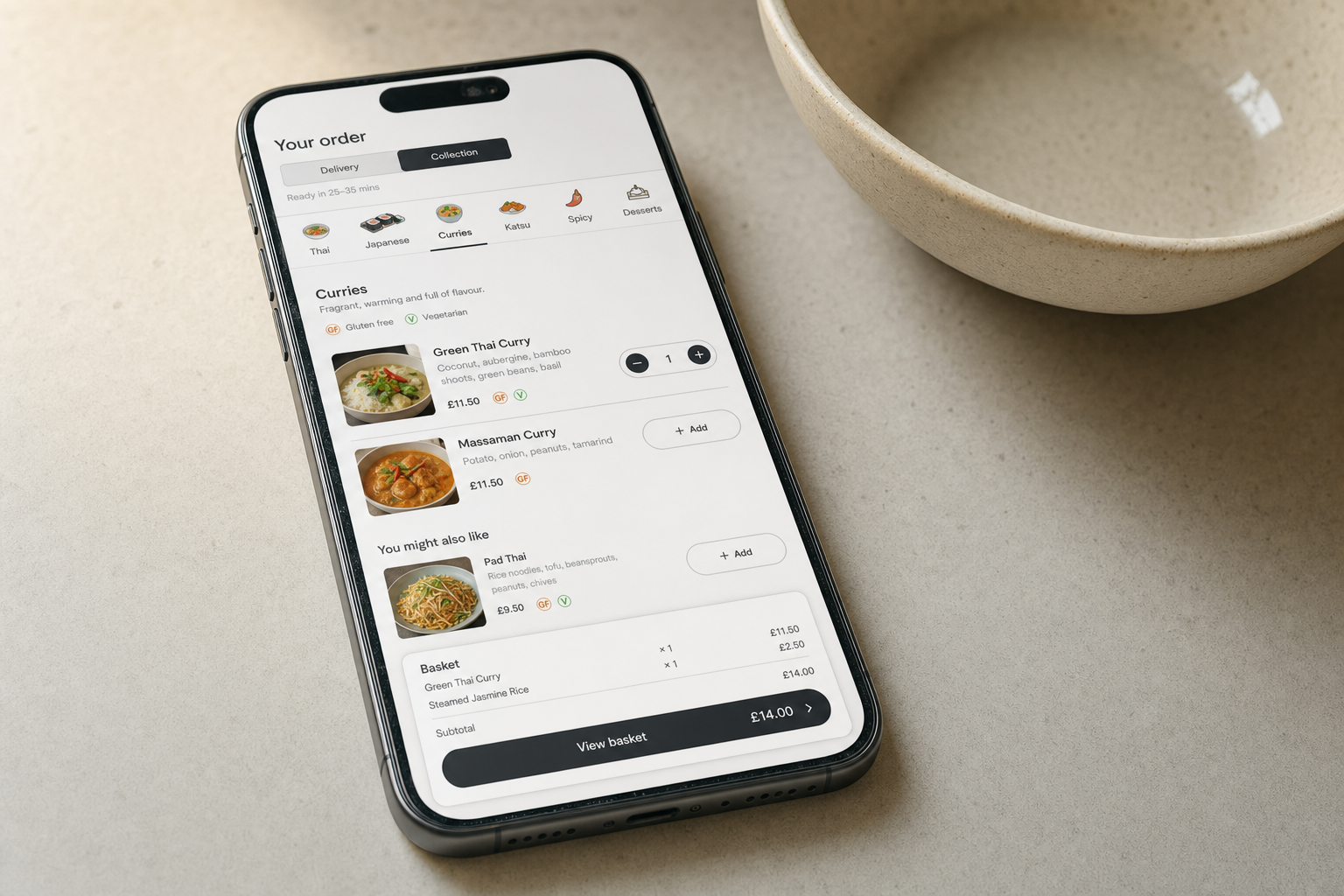
Use the live menu when you want to order clearly
Online takeaway ordering is easiest when the steps feel clear and the menu is set out in a way that lets you make real choices rather than rush through them. Our online route puts the current seasonal menu in front of you so you can browse Thai dishes, Japanese options, curries, katsu, spicy choices, desserts and dietary notes in one place. That works just as well for people planning dinner ahead as it does for someone standing in the kitchen deciding what to do tonight. An order from Issaya can be built at your own pace before anything goes in the basket.
Review the basket before you send it through
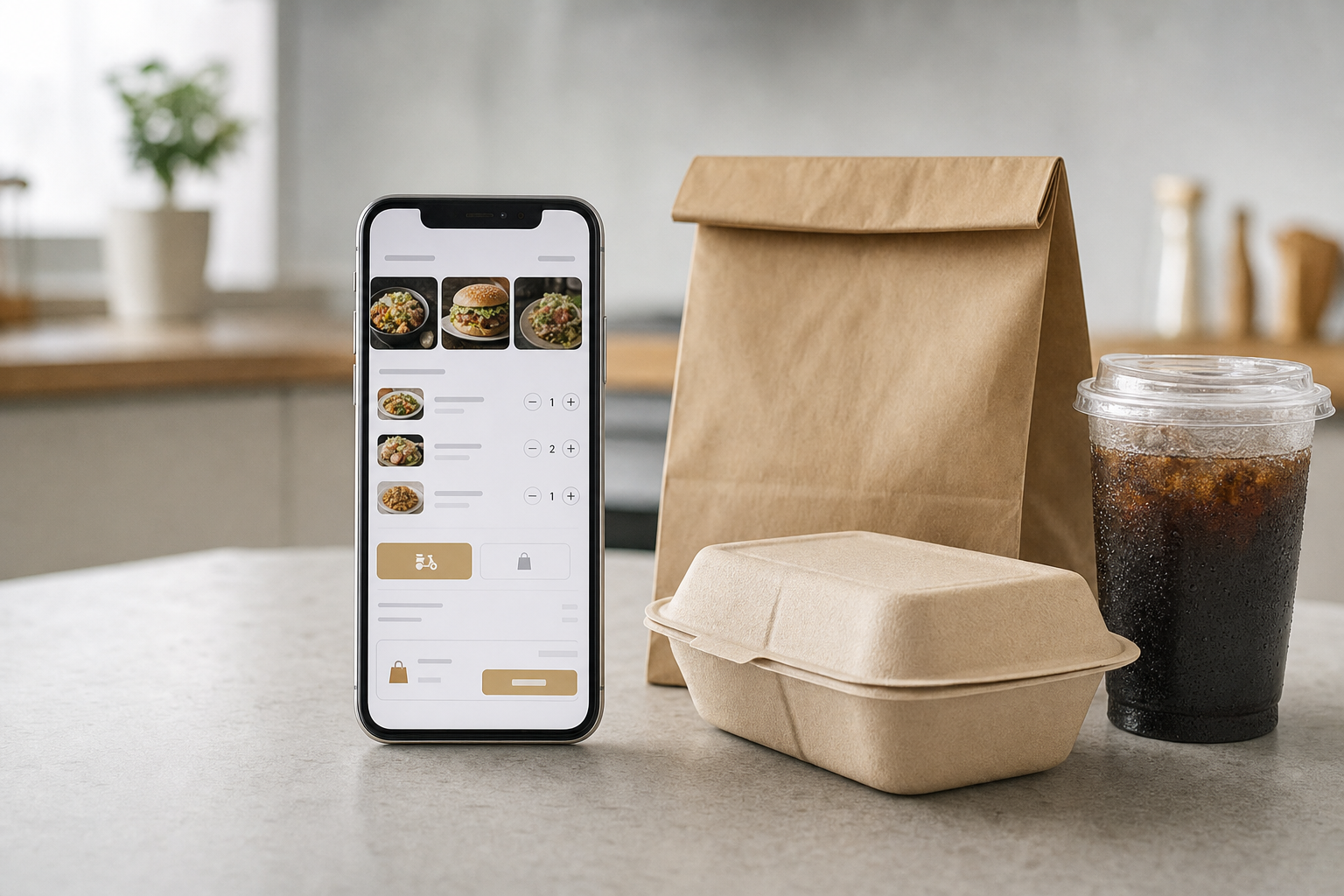
Once you have chosen your dishes, you can review the basket, check quantities, add any useful notes and select collection or delivery before you complete the order. If allergies or ingredient questions matter to the decision, it is worth raising them before you pay so the order reflects what you actually need. From our Bordon base, we keep the process simple and the live menu current. A call to Issaya is also there if you need help with ingredients or have a question about an order that has already been placed.
Frequently asked questions
How does online takeaway ordering work?
Start by browsing the current menu, then choose the dishes you want, review the basket and select collection or delivery before payment. The step-by-step route helps you see what is in the order before it is sent through to the kitchen.
Where should we add allergy or ingredient notes?
Add them during the ordering process before you complete payment. That is the right moment to flag anything important, and if you need more detail on a dish before then, a quick call can help you order with more confidence.
Who should we call after placing an online order?
If you need help with a completed order, including a missing item, call the shop directly. Having your name, phone number, order reference and the details of the query to hand makes it easier for us to check what happened and respond properly.